
Excel for Business
Reach a new level in your career becoming a real expert in Excel!
Acesso imediato · Certificado com validade nacional

Mais que um curso, um plano de carreira
Método construído com quem contrata: você estuda o que o mercado pede e sai pronto pra aplicar.

Plano de Estudo Personalizado
Orientação personalizada e trilhas sob medida para você se destacar no mercado.

Foco em empregabilidade
Nosso conteúdo é 100% baseado nos requisitos das vagas mais desejadas do mercado

Aprenda com experts da área
Nossos consultores vivem o que ensinam nas maiores empresas do país.
Conteúdos do curso
Veja módulo a módulo o que você vai dominar — sem enrolação, na ordem certa de aprendizado.
Conhecimentos adquiridos no curso
You will be able to:
• Create pivot tables and charts;
• Use advanced functions such as "PMT", "PV", "NPER" and "COUNTIF" to work with financial data;
• Create management dashboards;
• Analyze data with histograms and Solver tool;
• Use Macro and VBA.
And you will still be prepared to:
• Analyze a large volume of data with agility and a keener critical sense;
• Transform data into relevant information;
• Work together with a team using the same table in an organized manner;
• Solve complex problems that contain a lot of correlated data;
• Organize your to-do list.
Regardless of whether:
• You master spreadsheet manipulation;
• Believes that more advanced functions are too complex;
• Believe that more advanced functions do not have much applicability in your industry (believe me, it is always possible to optimize!);
• Uses other applications or software application to generate spreadsheets;
• You are still an undergraduate student.
MÓDULO #1Course Opening
- Course Presentation
- Workbook Download
MÓDULO #21st Module: Introduction to Elements
- Lesson 1 - Introduction to elements
- Lesson 2 - Find and replace
- Lesson 3 - Paste link
- Lesson 4 - Introduction to basic formulas
- Lesson 5 - Introduction to basic functions
- Lesson 6 - Exercise 1
- Lesson 7 - Answer Exercise 1
MÓDULO #32nd Module: Manipulating Sheets
- Lesson 1: Introduction to Sheets
- Lesson 2: Hyperlinks
- Lesson 3: Autofill
- Lesson 4: Fixing Cells
- Lesson 5: Exercise
- Answer Exercise
MÓDULO #43rd Module: Organizing Information
- Lesson 1: Freezing Panes
- Lesson 2: Data Validation
- Lesson 3: Protect Sheet
- Lesson 4: Data consolidation
- Lesson 5: Subtotal
- Lesson 6: Exercise
- Answer Exercise
MÓDULO #54th Module: Basic Functions
- Lesson 1: Function “if”
- Lesson 2: Functions “and” & “or”
- Lesson 3: Compounded Function “if”
- Lesson 3: Functions “sumif” & “countif”
- Lesson 4: Function “countifs”
- Lesson 5: Function “sumifs”
- Lesson 6: Function “iferror”
- Lesson 7 - Parte 1: Conditional Formatting
- Lesson 7 - Parte 2: Conditional Formatting
- Lesson 8: Exercise
- Answer Exercise
MÓDULO #65th Module: Advanced Functions
- Lesson 1: Function “vlookup”
- Lesson 2: Function “hlookup”
- Lesson 3: Time Functions
- Lesson 4: Functions “left” & “right”
- Lesson 5 - Part 1: Function “search”
- Lesson 5 - Part 2: Function “search”
- Lesson 6: Audit Cells
- Lesson 7: Exercise 1
- Answer Exercise 1
- Lesson 8: Exercise 2
- Answer Exercise 2
- Lesson 9: Exercise 3
- Answer exercise 3
MÓDULO #76th Module: Basic Charts
- Lesson 1: Introduction to Charts
- Lesson 2: Creating Charts
- Lesson 3: Exercise
- Answer Exercise
MÓDULO #87th Module: Pivot Tables
- Lesson 1 - Part 1: Pivot Table
- Lesson 1 - Part 2: Pivot Table
- Lesson 2: Exercise 1
- Answer Exercise 1
- Lesson 3: Exercise 2
- Answer Exercise 2
MÓDULO #98th Module: External Data
- Lesson 1: Converting Excel File in Web Page
- Lesson 2: Importing Data
- Lesson 3: Exercise
- Answer Exercise
MÓDULO #109th Module: Advanced Charts
- Lesson 1: Seasonal Sales Chart
- Lesson 2: Revenue x Target Chart
- Lesson 3 - Part 1: Pareto Chart
- Lesson 3 - Part 2: Pareto Chart
- Lesson 4: Build up Chart
- Lesson 5: Build down Chart
- Lesson 6: Radar Chart
- Lesson 7: Schedule
- Lesson 8: Seasonality in Sales Chart
- Lesson 9 - Part 1: Control Charts
- Lesson 9 - Part 2: Control Charts
- Lesson 10: Exercise 1
- Answer Exercise 1
- Lesson 11: Exercise 2
- Answer Exercise 2
- Lesson 12: Exercise 3
- Answer Exercise 3
MÓDULO #1110th Module: Finantial and Statistic Formulas
- Lesson 1 - Part 1: PMT Function
- Lesson 1 - Part 2: PMT Function
- Lesson 1 - Part 3: PMT Function
- Lesson 2 - Part 1: PV, IRR, NPV, NPER Functions
- Lesson 2 - Part 2: PV, IRR, NPV, NPER Functions
- Lesson 3: Count.Value Function
- Lesson 4: Trend Measurements Function
- Lesson 5 - Part 1: Quartile and Percentile
- Lesson 5 - Part 2: Quartile and Percentile
- Lesson 6: Nominating Cells and Ranges of Cells
- Lesson 8: Exercise 1
- Answer Exercise 1
- Lesson 9: Exercise 2
- Answer Exercise 2
MÓDULO #1211th Module: Data Analysis
- Lesson 1: Statistics using Data Analysis
- Lesson 2: Random Numbers
- Lesson 3: Histogram
- Lesson 4 - Part 1: Goal Seek
- Lesson 4 - Part 2: Goal Seek
- Lesson 4 - Part 3: Goal Seek
- Lesson 5: Scenario Manager
- Lesson 6: Solver
- Lesson 7: Exercise 1
- Answer Exercise 1
- Lesson 8: Exercise 2
- Answer Exercise 2
MÓDULO #1312th Module: Macros and VBA
- Lesson 1 - Part 1: Macros
- Lesson 1 - Part 2: Macros
- Lesson 1 - Part 3: Macros
- Lesson 1: Exercise
- Answer Exercise
MÓDULO #14Course Conclusion
- Congratulations!
- Satisfaction survey
Aprenda com quem vive o que ensina

Luiz Gustavo Zanatta Macedo
Consultor(a) VoittoLuiz Gustavo Zanatta Macedo is a consultant specialized in management system at Voitto Group, having provided courses, minicourses and lectures about the topic (focusing on ISO9001, 5S and GPR) for several companies and business meetings. Luiz Gustavo has worked for 2 years at Mais Consulting, where he managed various external projects, internal 5S and was responsible for implementing and upkeeping the company’s Quality Management System (QMS), based on ISO 9001 and on the Management Excellence Model (MEM). At Becton Dickinson Surgical Industries, he was responsible for assisting the optimization of the cannula’s factory, working with FMEA, MSA, machinery validation, follow-up of machinery improvement projects and managing and auditing factory floor and office 5S. He has attended processes management and projects handling at QUT (Queensland University of Technology – Australia) and has executed a 5S implementing project at ONG TADq workshop (Technical Aid for the Disabled – Queensland).
Quem fez, recomenda
Avaliações reais de alunos que estudaram com a Voitto.
Impacto na trajetória profissional
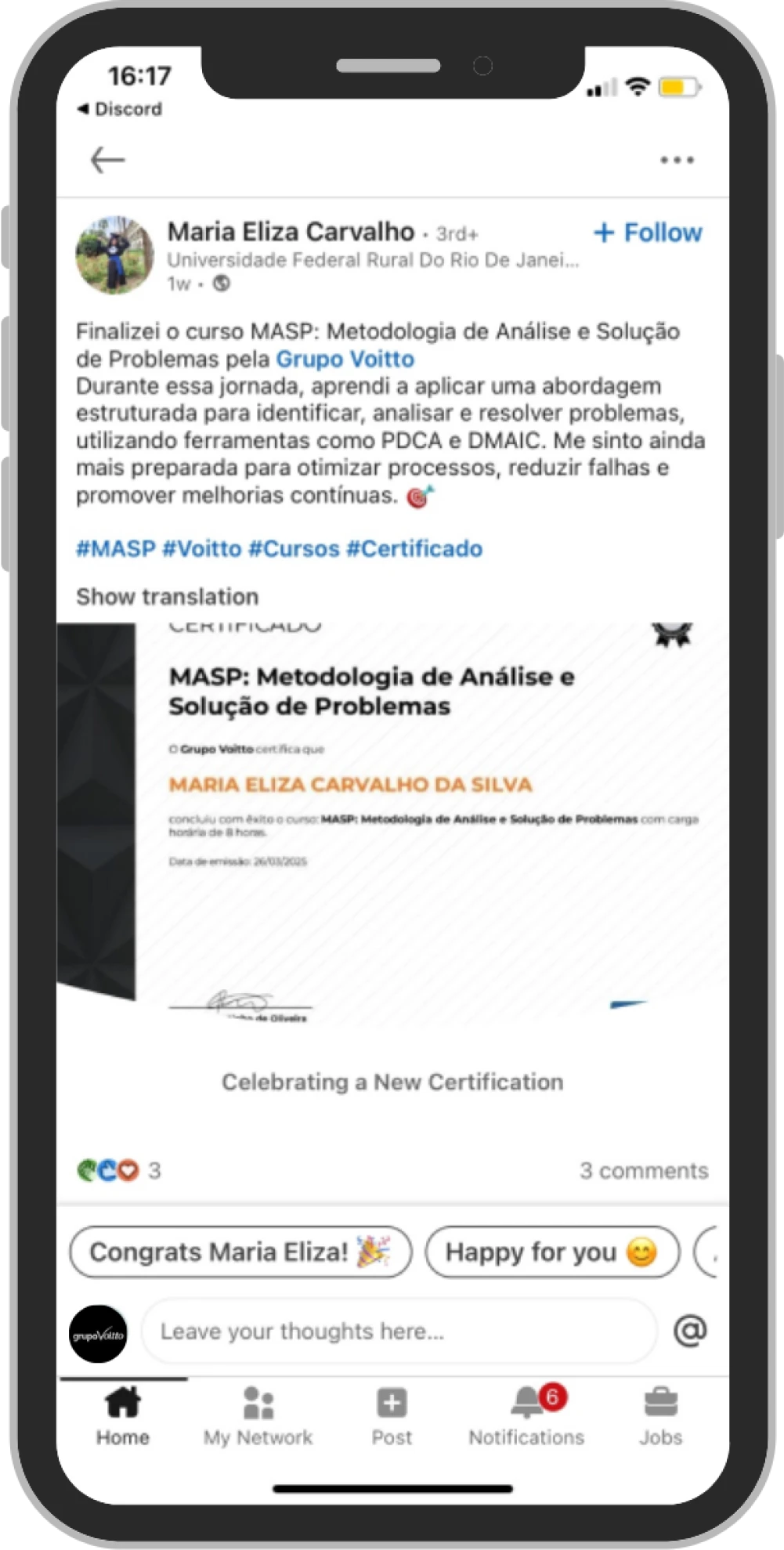
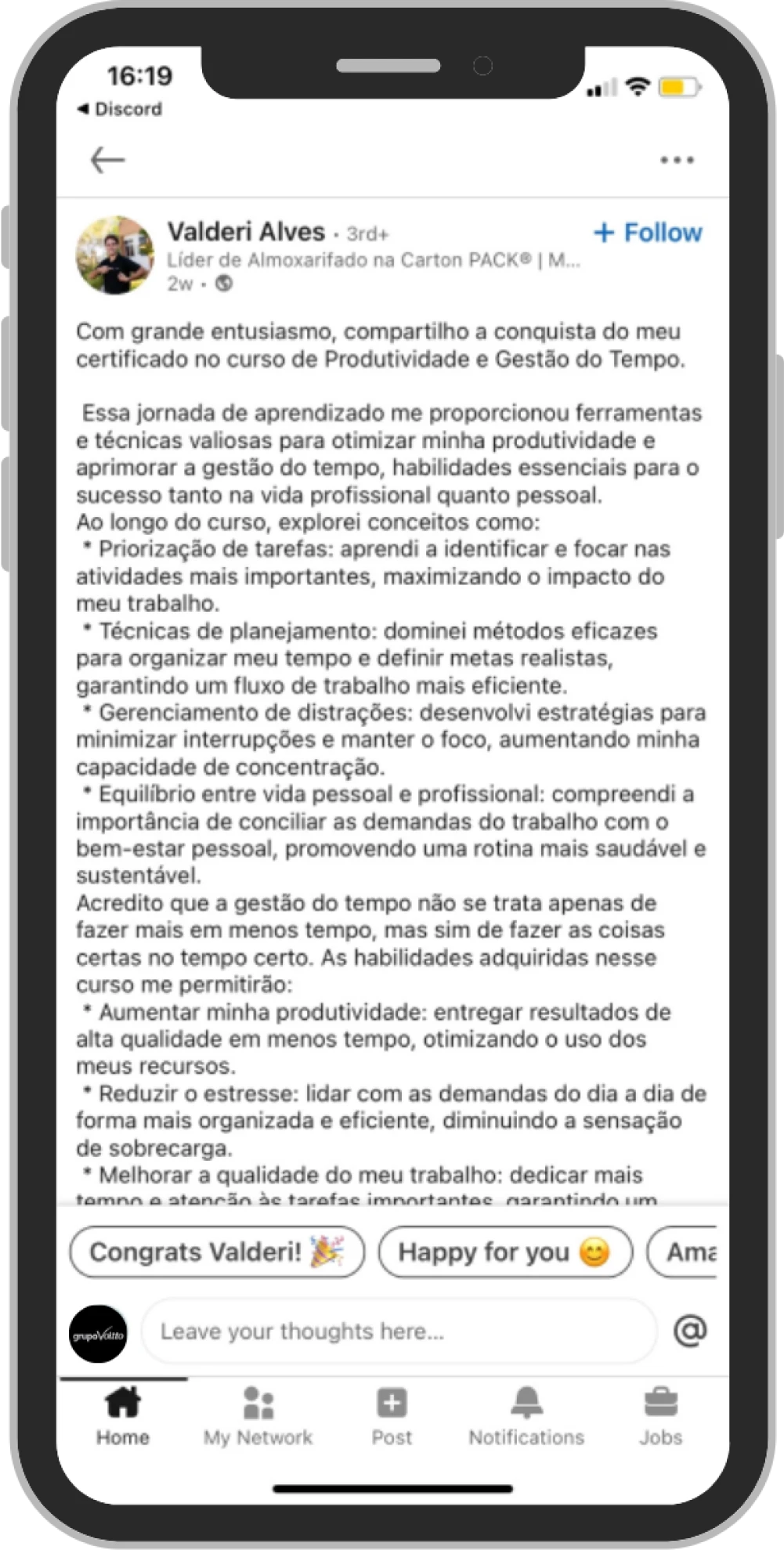
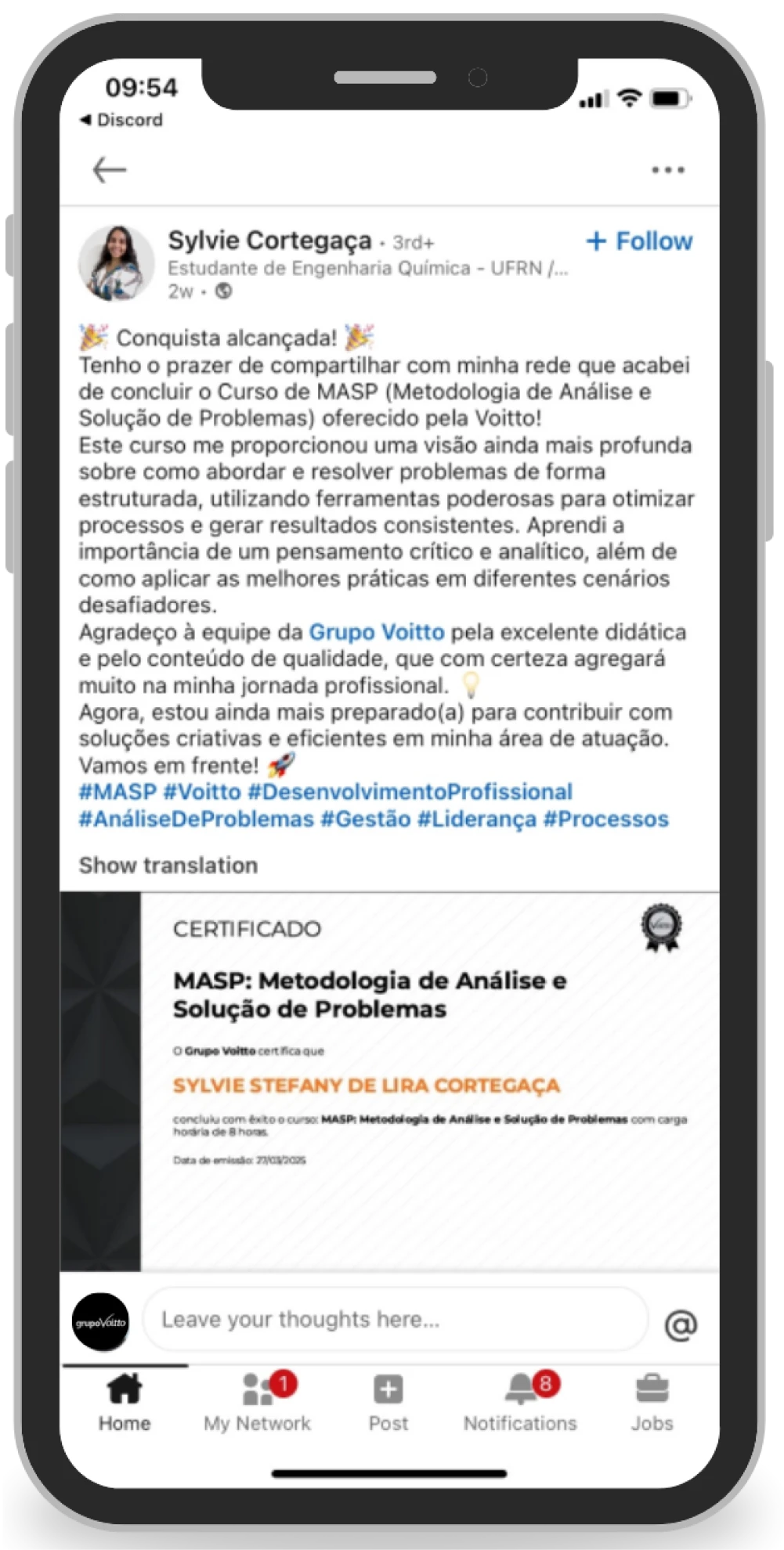
Confira agora depoimentos de como nossos alunos estão transformando suas carreiras





Empresas que nossos alunos já passaram






Comece hoje a estudar
Pagamento único, sem mensalidade. O que está incluso:
- 40 horas de conteúdo em vídeo, exercícios e leituras complementares.
- Materiais complementares
- Acompanhamento e Plano de Estudo Personalizado. Do currículo ao contrato
- Certificado compartilhável com validade em todo o território nacional
- 1 ano de acesso ao curso
Excel for Business
Pague no crédito ou R$ 399,50 à vista no PIX
Matricular agora- Acesso imediato após a confirmação do pagamento
- Estude no seu ritmo, de qualquer dispositivo
- 1 ano de acesso ao curso
Outras opções com esse curso
Esse curso também faz parte de uma formação completa e do Voitto PRO — compare antes de decidir.
Formação em Lean Seis Sigma
- 46 cursos
- horas de conteúdo
- Exercícios e materiais complementares
Programa de Aceleração de Carreiras
- Aulas ao Vivo
- 13 formações com mais de 200 cursos disponíveis
- Acompanhamento e Plano de Estudo Personalizado.
Pronto pra dominar Excel for Business?
Acesso imediato, estude no seu ritmo e saia com certificado válido em todo o território nacional.
Pagamento único · Sem mensalidade